For recruiters
Know the moment your candidate opens the offer.
A silent inbox is not a no. Vero tells you the instant a candidate opens your outreach, your interview invite, or the offer, and the moment a client opens your shortlist, so you follow up while you are still top of mind instead of guessing.
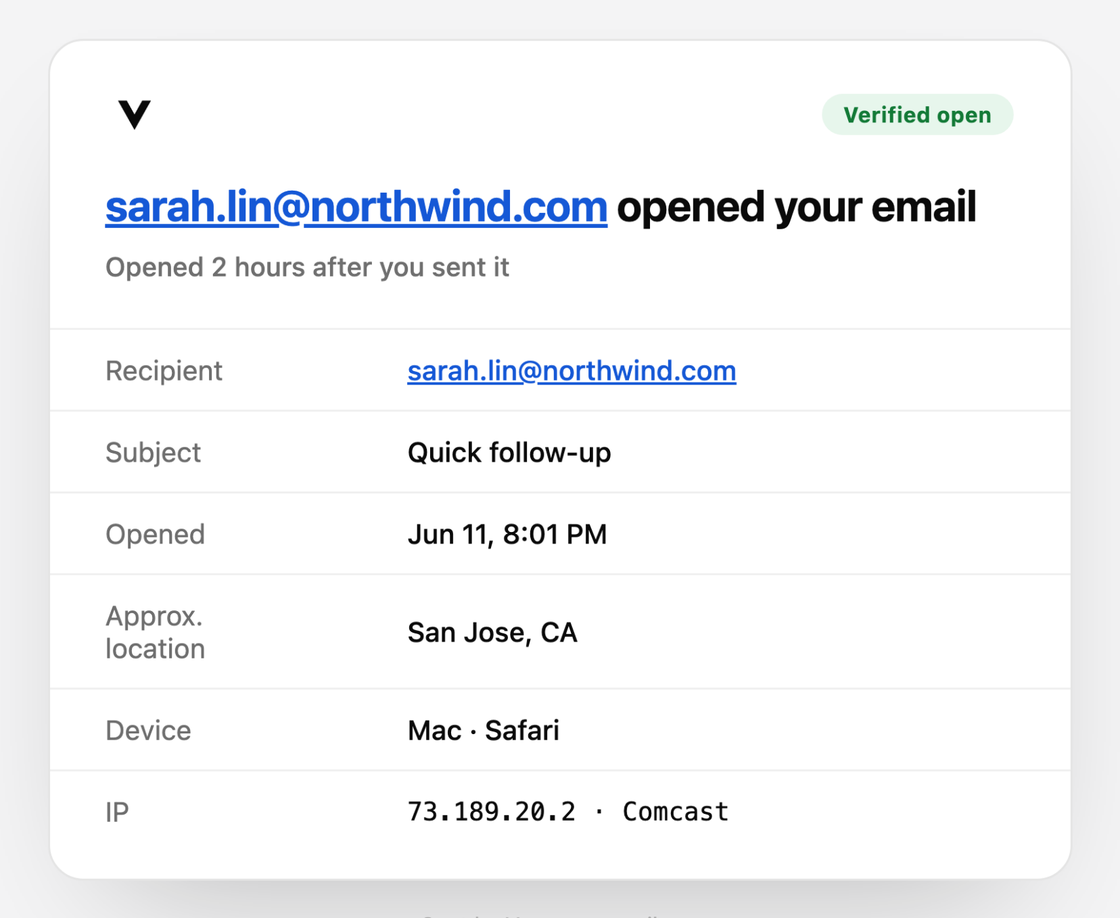
Where Vero pays for itself.
Candidate outreach
Send the intro and watch. Vero shows you who opened it and who did not, so your follow-ups go to warm candidates instead of the whole list again.
Offers & invites
An offer opened five times is being considered, or shopped. Vero shows you the interest in real time so you can close instead of waiting by the phone.
Client updates
Vero tracks every link. See when the hiring manager clicks through to the shortlist or the resume you sent, so you know the search is moving.
Your whole pipeline’s outreach, at a glance.
Candidate intros, interview invites, offers, and client updates in one popup, each marked sent, read, or clicked. Open Vero between calls and see exactly who to follow up with today.
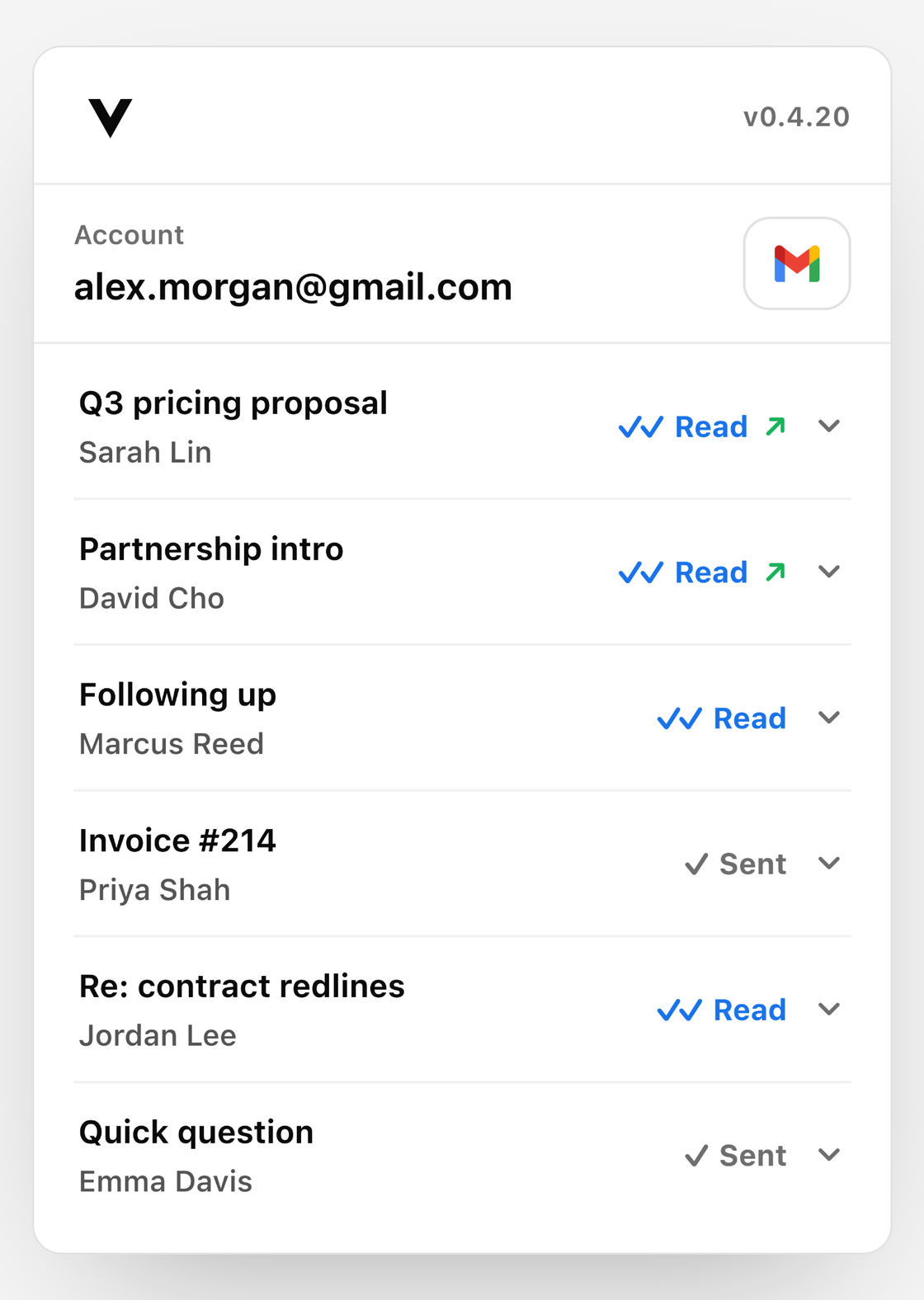
Signals that tell you who is actually interested.
- An offer opened repeatedly from a new device at night usually means it is being discussed at home. That is your window to check in.
- A candidate who opens every email but never replies is interested and hesitant, not gone. Change the message, not the target.
- A client click on the shortlist means the search is alive. Silence after the click is feedback coming, not a dead deal.
- No open at all means your email is in spam or ignored. Resend or reach out another way before the candidate cools.
Questions from recruiters.
See who opens your next offer.
Vero also works for other kinds of work. New to email tracking? Start with our guides.